Project settings
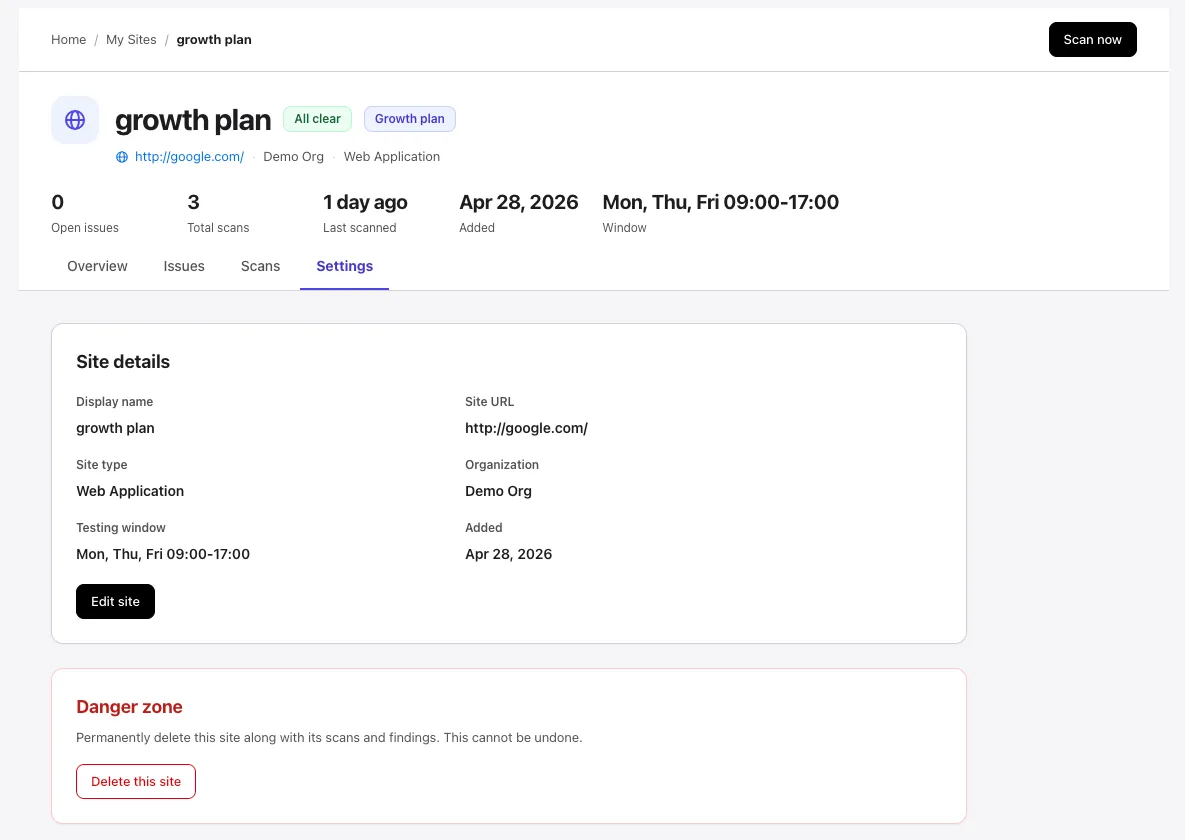
Each project has a Settings tab inside its workspace at /projects/<id>. It is the most direct place to review or change a single project’s configuration — and to delete the project.
The project workspace has four tabs: Overview, Issues, Scans, and Settings. This page covers the last one.
When to use Settings vs the dashboard
Section titled “When to use Settings vs the dashboard”- For changes that affect a single project (working hours, linked URL, plan reassignment, deletion), the project’s Settings tab is the most direct place.
- For comparing or switching between many projects, use the My Sites dashboard at
/projects.
Both surfaces operate on the same data — changes made in either place take effect immediately.
Site details
Section titled “Site details”The Site details card is read-only and shows everything the project was created with:
| Field | What it shows |
|---|---|
| Display name | The project name (max 120 characters). |
| Site URL | The single linked URL the scanner targets. |
| Site type | Web Application or Web API. |
| Organization | The owning organization. Super-admins can move a project; org admins are locked to their own organization. |
| Testing window | The working-hours summary (e.g., Mon, Thu, Fri 09:00–17:00) or Anytime. |
| Added | The date the project was created. |
To change any of these, select Edit site. That opens the same edit dialog documented in Manage projects → Edit a project, where you can update the name, type, organization, date range, working hours, and linked URL.
What lives on other pages
Section titled “What lives on other pages”A few options that feel like “project settings” actually live elsewhere:
- Plan assignment — managed from the project card on My Sites (the Assign plan button) or from Settings → Billing. The current plan name and assignment status (
assigned,consumed, orunassigned) appear on the project header. - Out-of-scope URL patterns — editable inline during the scan wizard’s Configuration step. See Configure and launch → Out-of-scope URL patterns.
- Credentials — saved login material (username/password, API token, cookie) is per-asset, not per-project. Edit from the linked asset or during the scan wizard’s Credentials step. See Credentials.
- Working-hours format and constraints — documented in Create a project → Working hours. For how the window affects running and queued scans, see Scheduling.
Permissions
Section titled “Permissions”| Action | Required role |
|---|---|
| View Settings | Any member of the project’s organization |
| Edit name, type, working hours, dates | member or higher with edit-project permission |
| Reassign plan slots | member or higher with edit-project permission |
| Change organization | Super-admin |
| Delete the project | admin or higher with delete-project permission |
If a control is greyed out, your role does not include the relevant permission.
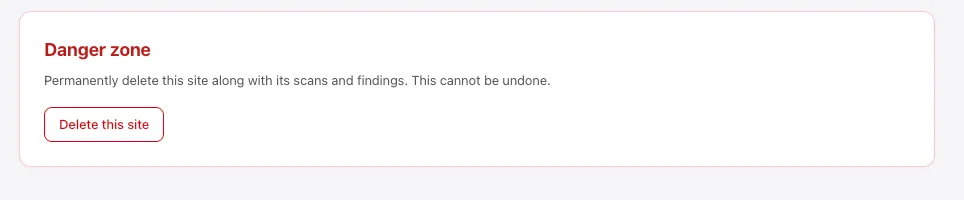
Danger zone
Section titled “Danger zone”The bottom card on the Settings tab is the Danger zone. It has one action — Delete this site — and the warning text “Permanently delete this site along with its scans and findings. This cannot be undone.”